Charging cards are still often issued the old way: a form, a spreadsheet, an e-mail and a card number typed in by hand. In Powerize, a driver orders an RFID card in the app in seconds and the operator handles the rest in the portal. Here is how it works.
Why RFID cards still matter
Many drivers start charging from the app, but plenty still prefer a card: it works without mobile signal, it is quick at the charger and it suits fleet drivers. For an operator or eMSP, a card in your own brand also keeps your network in the driver’s wallet.
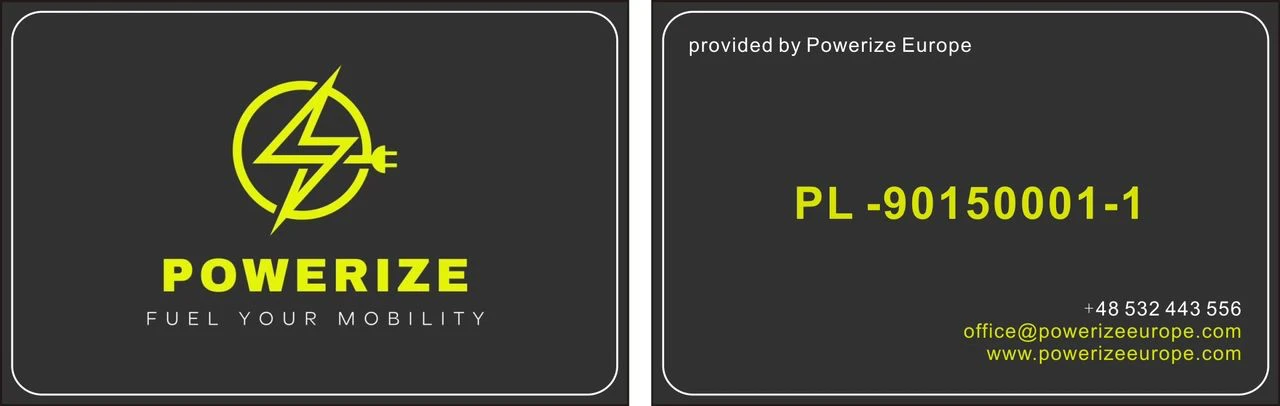
The Powerize RFID card: logo on the front, card number and contact details on the back.
Step 1: the driver orders a card in the app
In your branded app the driver orders a card and enters the delivery details. It takes a few seconds and needs no forms or e-mails.
Step 2: the operator handles the order in the portal
All orders appear in one list in the Powerize portal. The operator assigns the card number, adds the tracking number and marks the order as shipped. It takes seconds.
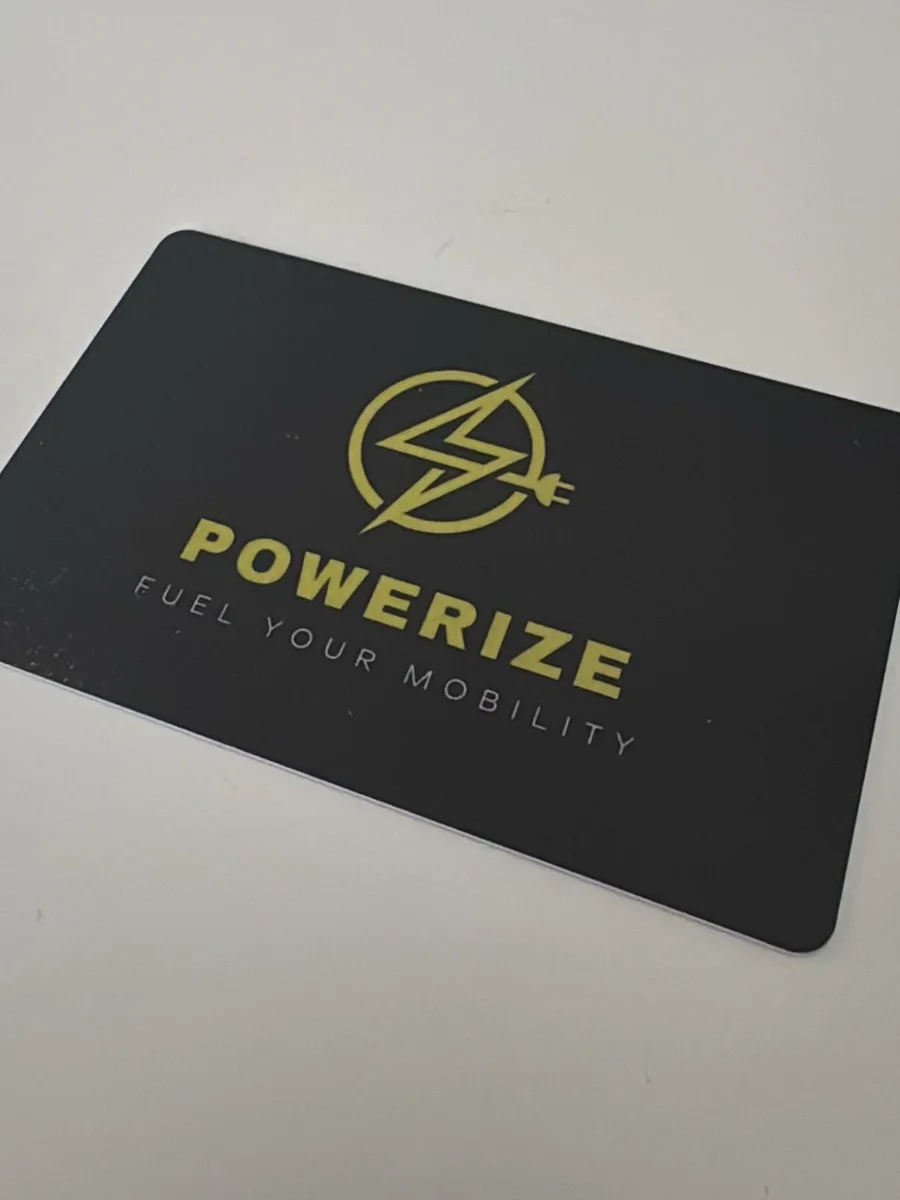
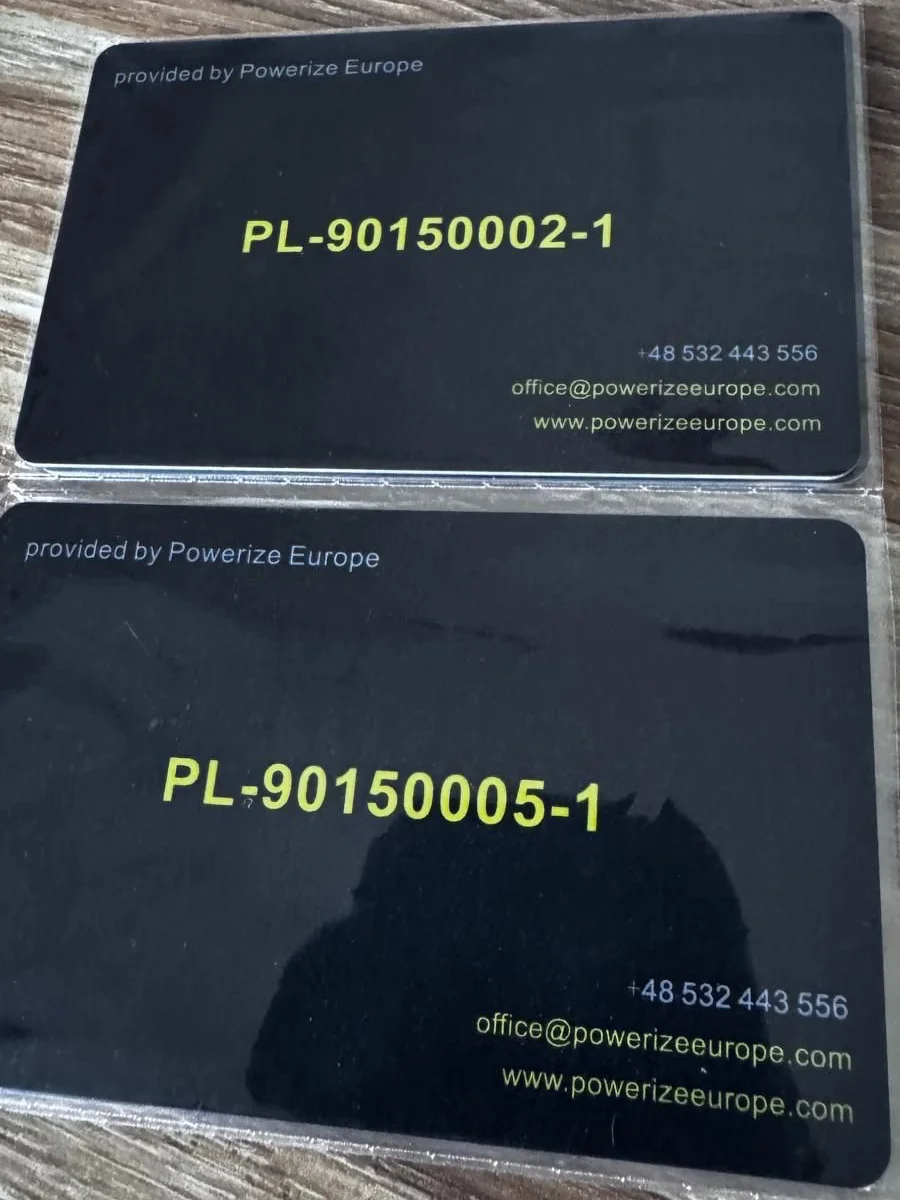
Each card has its own number. The operator assigns it to the order in the portal and the card is ready to ship.
Step 3: the card works on your network and at roaming partners
The card is linked to the driver’s account. It works on your network and, on the Powerize eMSP platform, also at roaming partners connected over OCPI.
Cards for fleets
A fleet manager can issue cards to their drivers from the fleet portal and limit access to selected stations.
Delivery to a parcel locker or by courier
In the app the driver chooses delivery to an InPost parcel locker or by courier. The operator adds the tracking number to the order in the portal.
RFID cards in the Powerize platform
Card ordering is part of the Powerize CPO and eMSP platform and the white-label driver app. The platform runs on a flat subscription with no transaction fees.